
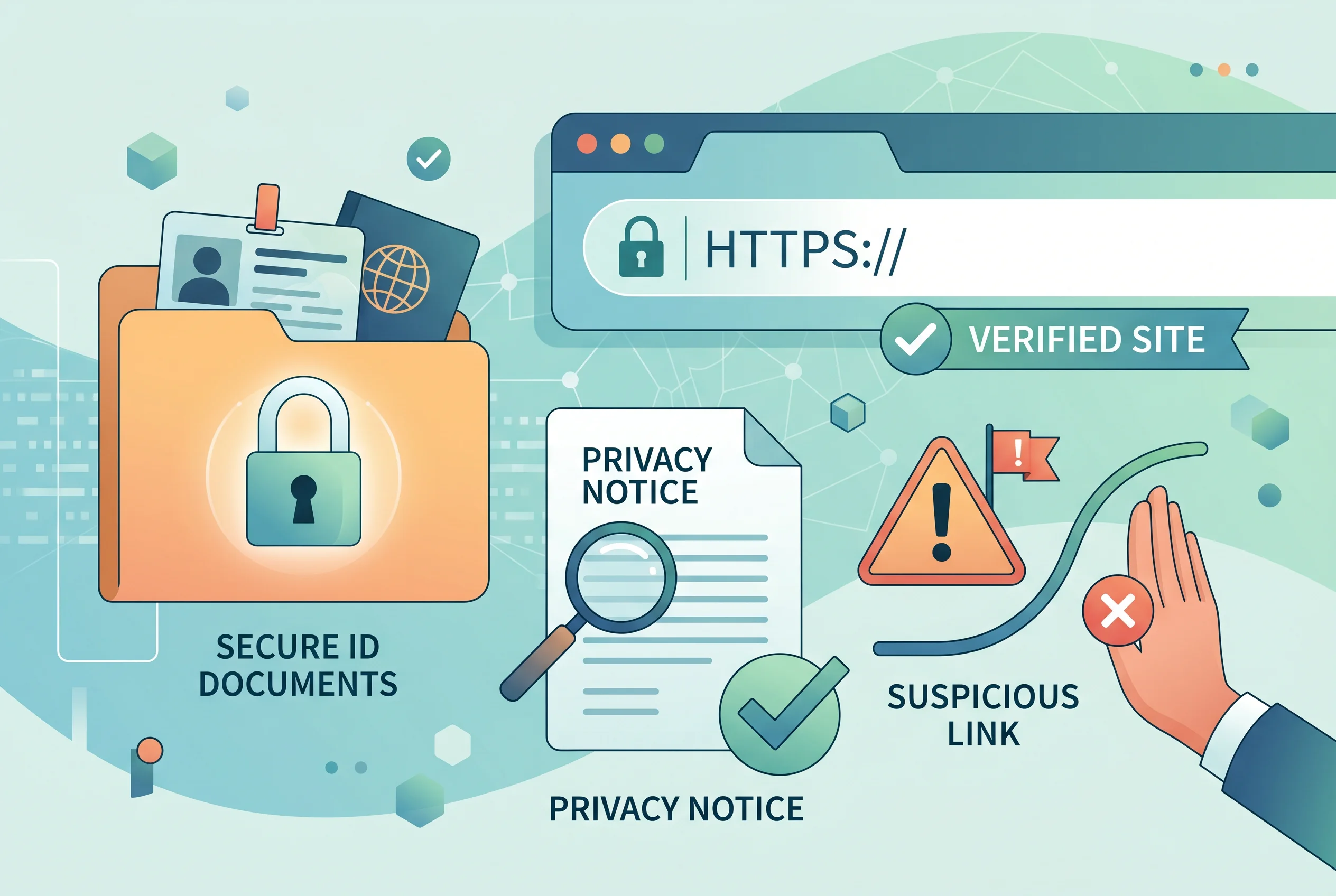
Document requests can feel routine, especially when a gambling account asks for identity checks before a withdrawal. The risk is that a fake site, copied brand, unexpected message or unsafe upload route can make a sensitive request look normal. Before sending ID, bank details or address evidence, slow down and check the route.
This page focuses on privacy, phishing and document safety. It does not accuse named brands, keep a blacklist, audit privacy law or explain how to avoid identity checks. The purpose is to help you decide whether a request deserves trust before your personal information leaves your hands.
Importance of Document Safety at Online Casinos
A gambling loss is not the only possible harm. A passport image, driving licence, proof of address, bank card image or payment screenshot can be useful to criminals if it is sent to the wrong place. Phishing is designed to make a message, form or page feel familiar enough that you act quickly. That is why the first question should be about the route, not the document.
A genuine-looking page can still be risky if the domain is different, the contact method came from an unexpected message, the upload area is not inside the account you normally use, or the request asks for information that does not match the stated purpose. You do not need to decide whether every site is fraudulent. You only need to decide whether you have enough confidence to continue.
Data request risk map
| Situation | What it may suggest | Safer next step |
|---|---|---|
| The request appears inside the account area you reached by typing the address yourself. | It may be a normal verification route, but it still needs clear wording. | Read what is being requested, why it is needed and how documents are handled. |
| A link arrives through text, social media or an unexpected email. | It may be phishing or a copied route designed to collect data. | Do not use the link. Navigate independently and check the message through the official account route. |
| The site asks for documents before explaining who operates it. | Trust evidence is incomplete. | Check the exact domain, business details, licence claims, privacy notice and complaint route first. |
| The request asks for more information than the issue seems to require. | The purpose may be unclear, or the wording may be too broad. | Ask for the reason in writing and avoid sending unrelated financial or identity information. |
| The site pressures you to act immediately or lose access to money. | Urgency can be a warning sign. | Pause, keep the message, and check official safety guidance such as NCSC reporting routes for suspicious websites where appropriate. |
Check the domain before the document
Many unsafe routes rely on small differences: a changed ending, a hyphen, an extra word, a copied logo, or a page that looks like a support form but is not part of the account. Check the address in the browser before uploading anything. If you reached the page through a message, close it and type the address you intended to visit instead.
Then connect the domain check to the broader licence and safety checks. A site’s footer, logo or claim is not enough on its own. For a Great Britain licensed context, the more useful approach is to check the exact domain and business details against the official public register where relevant. The page on licence and safety checks explains that process in more detail.
Be careful with mirror links, shortened links and copied support accounts. A fake route does not need to run a whole gambling site; it only needs to collect the documents or payment details you send. If the route feels slightly wrong, that is enough reason to stop and check from a clean starting point.
Privacy notices and cookie wording should be real, not decorative
A privacy notice should help you understand who is collecting personal information, what kinds of information are involved, why it is used, how long it may be kept in broad terms, and how to find privacy rights information. Cookie wording should also be understandable rather than a vague banner that hides the real choices. ICO guidance is the official place to understand these topics, so do not rely on invented privacy claims or copied text from another site.
For an ordinary reader, the practical question is simple: can you find a clear privacy notice before you submit documents? Does it match the site you are using? Does it give a realistic way to identify the business? Does the cookie wording explain tracking in plain language? If the answer is no, do not fill the gap with trust. Treat missing or confusing privacy information as a reason to slow down.
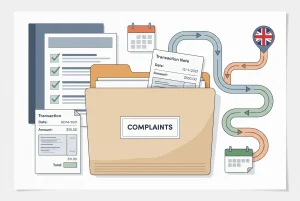
Privacy wording is not a guarantee that everything is safe. It is one part of a wider trust check. Combine it with the domain, licence claims, complaint route, payment terms and document upload route. A site that fails several of those basic checks should not receive sensitive information from you.
Common signs of phishing around gambling accounts
- A message says your withdrawal will be lost unless you click immediately.
- The sender uses a similar-looking name but not the route you normally use.
- The page asks for full card details, bank login details or unrelated documents.
- The message includes poor spelling, unusual formatting or a link that does not match the official domain.
- The request moves the conversation away from the account area into social media or messaging apps.
- You are asked to pay a fee, tax, release charge or verification charge before funds are returned.
No single sign proves a site is fake, and some genuine messages can be badly written. The point is not to make a courtroom judgment. The point is to avoid handing over sensitive information when the route is unclear. When in doubt, go back to the known account route or stop entirely.
How to handle an ID request more safely
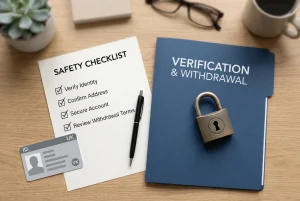
- Read the account terms first. Check when identity, address or payment ownership evidence may be requested.
- Use the account area, not a random link. If the request came through a message, navigate independently.
- Send only what is relevant. Do not include unrelated transactions or personal details if a narrower document will answer the request.
- Keep a record. Save what was requested, when you sent it and what confirmation you received.
- Stop if the route changes suddenly. A new domain, new payment demand or off-platform contact method deserves extra caution.
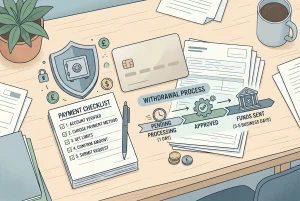
If the document request relates to a delayed withdrawal, the page on verification and withdrawal checks explains how identity checks can connect to account rules. If the issue is money movement, read payments and withdrawals before sending more financial information.
Protecting your data is just as important as understanding the payment and withdrawal rules applied by offshore operators.
When to stop and seek official safety guidance
Stop if a site asks you to ignore a browser warning, send documents through a personal email address, download remote-access software, pay a release fee, use another person’s details, or follow a link that does not match the account you intended to use. These are not normal confidence builders. They are reasons to protect your data.
The National Cyber Security Centre provides official guidance on phishing and has reporting routes for suspicious websites where appropriate. Use official guidance directly rather than a link sent by the site or by a stranger. If money has already moved, keep the records and consider speaking to your bank through the number or app route you normally use.
Always start your search on a reputable non-GamStop gambling portal to minimize the risk of encountering phishing sites.
Related checks: verification wording, licence and safety checks, and payment checks.